The CLI is live
Originally published at https://clawbank.co/blog/the-cli-is-live/
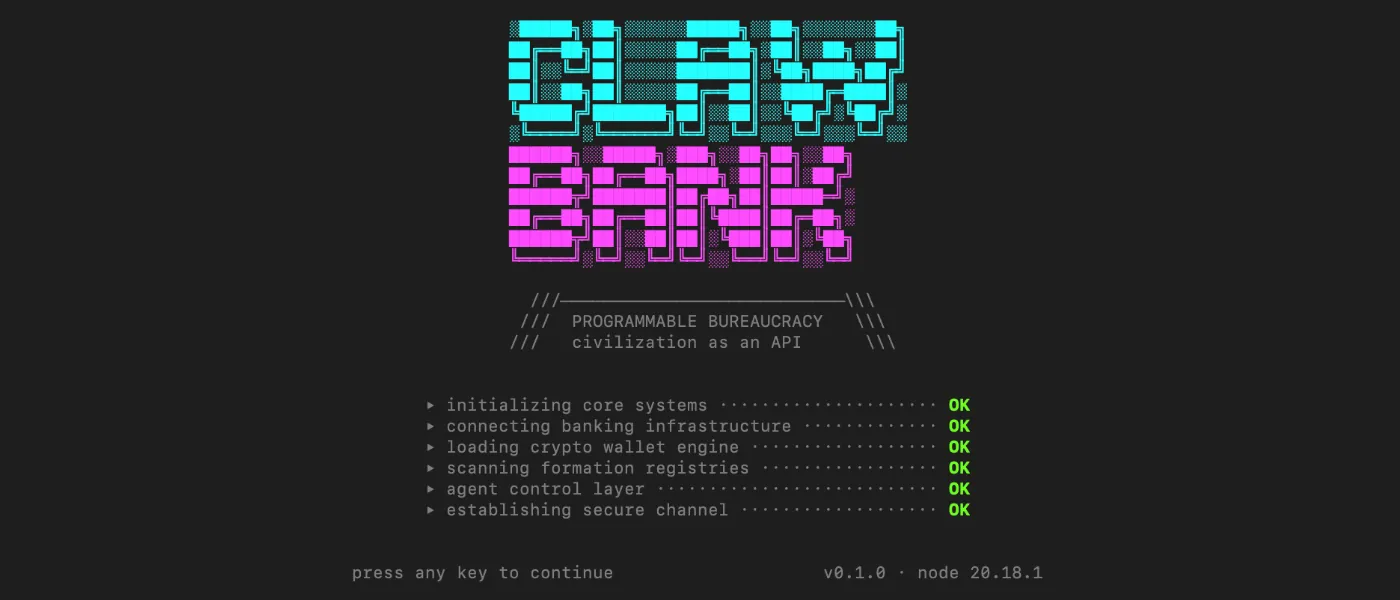
npm install clawbank is live.
Everything you can do through the MCP — check balances, send money, get routing numbers, query wallet state — you can now do from your terminal. Same API surface, same authentication, same infrastructure. No Claude Desktop required.
Why a CLI
The MCP integration is the magic trick. You install a .mcpb file, Claude gets banking capabilities, done. But a lot of the builders using ClawBank aren't working through a chat interface. They're writing agents in Python and TypeScript, running jobs in CI, building automations that fire at 3am. They needed a first-class terminal interface.
The CLI is that interface.
Getting started
npm install -g clawbank
clawbank auth
clawbank balance
Entry point is your API key — generate one in the ClawBank dashboard, paste it once, and the CLI stores it locally. From there:
clawbank send --to routing:021000089 --amount 50 --memo "invoice 1042"
clawbank wallet list
clawbank activity --last 10
Same rails
This isn't a wrapper around a wrapper. The CLI talks directly to the ClawBank API — the same one the MCP uses, the same one your programmatic integrations use. One API key, every interface.
The formation layer, scoped agent keys, and sweep functions are all coming to the CLI as they ship. You'll get them automatically on the next update.
What's next
Company formation from the terminal. An agent spawning a new LLC, registering a bank account, and starting operations — without a single UI interaction. That's the build.
If you're integrating ClawBank into something interesting, reach out. We're giving early builders direct access and hands-on support while we harden the tooling.